
Phone and browser
Is there a DreamyShorts app?
There is no DreamyShorts app to download. You watch on dreamyshorts.com in the browser on your phone or computer, and if you want an icon, the browser can save a shortcut to your home screen. Below: how the player works, why there is no download button and why any DreamyShorts APK is best left alone.
18+ only. The characters are AI-generated fictional adults, not real people.
- 0Apps to install
- ~1 minPer episode
- ENSubtitles, on or off
Quick answer
No, there is no DreamyShorts app. The series play on dreamyshorts.com in the browser you already have, on a phone or a computer. Neither Google Play nor Apple’s App Store lists it, the site can’t be installed as a web app and there is no download button. If you want an icon, your browser can put a shortcut on your home screen.
Why isn’t DreamyShorts in the app stores?
Because there is nothing there to find. DreamyShorts has not published an iPhone or Android app, and the website doesn’t offer an installable version either. Everything happens on dreamyshorts.com: you open a series, press play and the episode streams from DreamyShorts’ own servers.
That is typical for adult video. Apple and Google keep sexually explicit apps out of their stores, and from episode 3 onward DreamyShorts episodes are explicit, so the open web is the only practical home for it. The upside is that there is nothing to update and nothing sitting in your list of apps.
Does the website feel like an app on a phone?
Pretty much. The site is designed for a phone held upright: episodes are vertical, they fill the screen, and the player moves on to the next episode by itself. You sign in once, with the same account you would use on ourdream.ai, and your Premium or coins follow you to whatever device you log in on.
Signing in is optional at the start. Episode 1 of every series plays without an account, and a free account opens episode 2.
Put DreamyShorts on your home screen
There’s no app, but any modern phone browser can save a shortcut. This is a feature of the browser, not something DreamyShorts provides.
Open dreamyshorts.com
On iPhone, use Safari; on Android, use Chrome. Type the address yourself and make sure it reads dreamyshorts.com.
Find the browser’s menu
In Safari the option sits under the Share button (a square with an arrow). In Chrome, tap the three dots at the top right.
Pick “Add to Home Screen”
Name the shortcut and confirm. Tapping it opens the site, in a browser tab or its own window depending on your phone. Nothing gets installed.
The icon is visible to anyone who unlocks your phone. You can give it a neutral name, hide it in a folder, or skip it and keep a bookmark.
What “DreamyShorts videos” can mean
People use the phrase for a few different things:
- The episodes. Short drama series made entirely with AI, each episode about a minute long. Most series run five or six episodes; a few are longer or have a second season. This guide is about these.
- Trailers. Each series has one or two short trailers you can watch before you start.
- Videos you generate yourself. Premium includes the extras on ourdream.ai, the companion site from the same company, where you can chat with characters and create images and videos. That is a separate tool on a separate site.
There are also four interactive stories, among them Lockdown and The Boss’s Wife, where you decide what happens at the end of each scene. They play in the browser as well.
How does the DreamyShorts player work?
The player is simple and built for watching several short episodes in a row:
- Autoplay. When an episode ends, a short countdown starts the next one. After a while the player asks whether you are still watching.
- Continue watching. Series you have started show up in their own row, so you can pick up where you stopped.
- Subtitles. English only, and you can switch them on or off.
- Likes and requests. Rate an episode with a like or a dislike, or ask for more episodes of a series you enjoyed.
Episodes 1 and 2 are free and not explicit. From episode 3 you need Premium or coins, and that is where the explicit scenes begin. Our full episodes page explains how to watch a series to the end, and free access covers what you get without paying.
Can I download DreamyShorts episodes?
No. There is no download option, for free users or for Premium members, so you need a connection each time you watch. Locked episodes are not even sent to your browser until you unlock them, which is why “downloader” sites and browser add-ons have nothing to grab.
DreamyShorts APK, mod and “unlocked” apps
Search for a DreamyShorts app and you may come across APK files, “mod” builds or apps that promise every episode for free. DreamyShorts has never released an app, so all of these come from somebody else. They can’t unlock anything either: access is checked on DreamyShorts’ servers against your account, your Premium plan or your coins.
What a sideloaded app can do is ask for permissions it has no reason to need, flood you with ads or capture what you type, passwords included. If you have installed one, delete it, reset the passwords for DreamyShorts and for your email, and scan the phone for malware. The leaks page of this guide covers the scams in more detail.
Which devices does it work on?
- Phones: the best fit. Hold the phone upright and the vertical video uses the whole screen.
- Tablets: fine, though turning the tablet sideways leaves empty space on the left and right.
- Computers: any up-to-date desktop browser plays the episodes, with a tall, narrow picture in the middle of the screen.
Because everything is tied to one login, your Premium and coins are the same on each of them, and on ourdream.ai as well.
Can I watch DreamyShorts on a TV?
There is no TV app. You can cast or mirror the browser on your phone or laptop to a TV, which is a feature of your own devices and works with most websites, but a vertical episode on a wide screen leaves most of it black. On a shared TV, keep in mind that autoplay will start the next episode for whoever happens to be in the room.
How much mobile data does it use?
Every episode streams, so you use data each time you press play, rewatches included. One minute of video is not much, but a whole series plus trailers, several evenings a week, adds up. If your plan has a small allowance, watch on Wi-Fi.
Watching discreetly
- With no app, there is no icon in your app list unless you add a shortcut yourself.
- A private or incognito window keeps the site out of your browsing history.
- Sign out on any phone or computer that someone else uses.
- Billing is discreet if you pay; our safety review has the details.
The bottom line
Skip the app stores and ignore anything that offers a DreamyShorts download. The real thing is dreamyshorts.com in your browser, and a couple of taps in the browser menu give you a home-screen shortcut if you want one. For the company, the terms and what happens to your data, read is DreamyShorts safe and legit.
DreamyShorts app and player: FAQ
Is there a DreamyShorts app?
No. DreamyShorts works only in the browser, at dreamyshorts.com. You can add a home-screen shortcut, but there is nothing to install.
Can I get DreamyShorts from Google Play or the App Store?
No. Neither store has an official DreamyShorts app, and any app using the name does not come from the company.
How do I add DreamyShorts to my iPhone home screen?
In Safari, go to dreamyshorts.com, tap the Share button and select “Add to Home Screen”, then tap Add.
How do I add DreamyShorts to my Android home screen?
Go to dreamyshorts.com in Chrome, tap the three dots at the top right and select “Add to home screen”.
Is there a DreamyShorts APK?
Not an official one. APK files with the DreamyShorts name come from third parties, cannot unlock episodes and may carry malware.
Can I download DreamyShorts videos?
No. There is no download option; episodes only stream on the site, even with Premium.
Does DreamyShorts have subtitles?
Yes, in English. You can turn them on or off in the player. Other languages are not available.
Can I watch DreamyShorts on my computer?
Yes. Any current desktop browser will play the episodes, and you log in with the same account as on your phone.
More answers
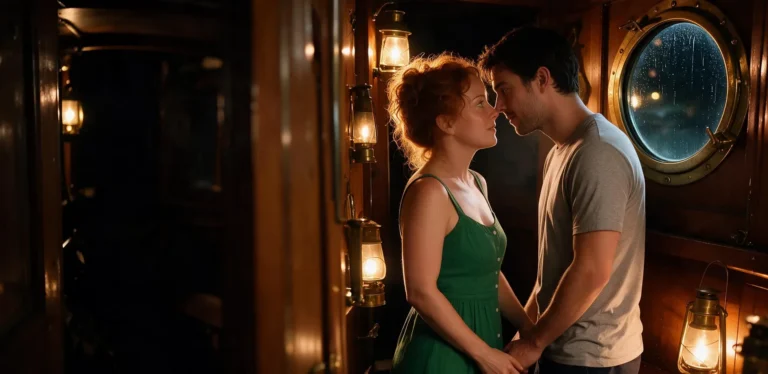 OverviewWhat is DreamyShorts?Who runs DreamyShorts, how a series is built, what you can watch free and how it links to ourdream.ai.
 Explicit or notIs it porn?Which DreamyShorts episodes are explicit, which are not, and how the site differs from an ordinary porn site.
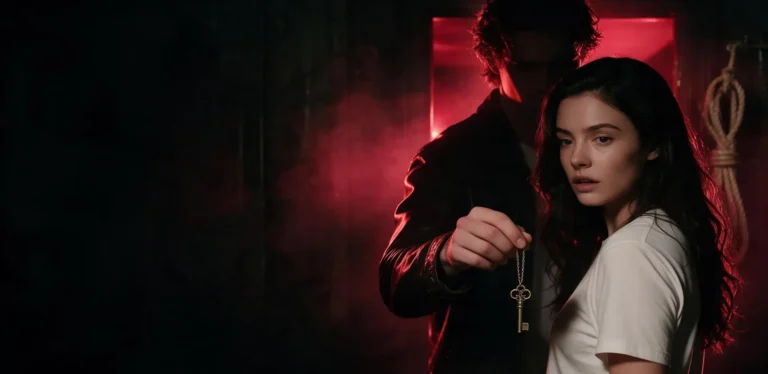 NudityDoes it have nudity?Where nudity starts in a DreamyShorts series, what the free episodes show and why clips found elsewhere are a bad bet.
 Explicit contentIs it uncensored?Which episodes are explicit, why the free ones stay tame and the limits that apply whatever you unlock.
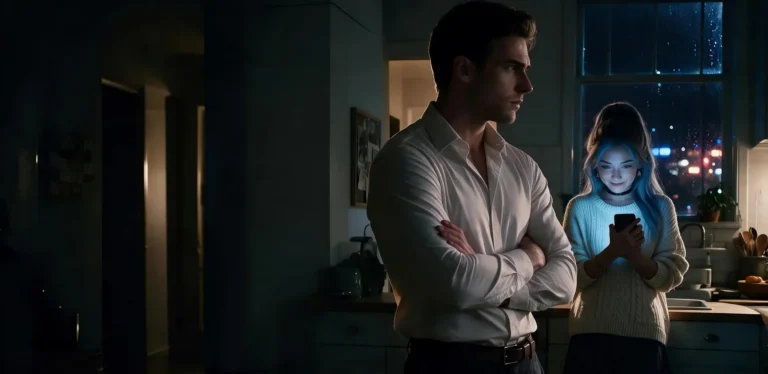 Safety checkIs it leaked?Where "leaked" DreamyShorts links really go, the tricks behind them and the steps to take after clicking one.
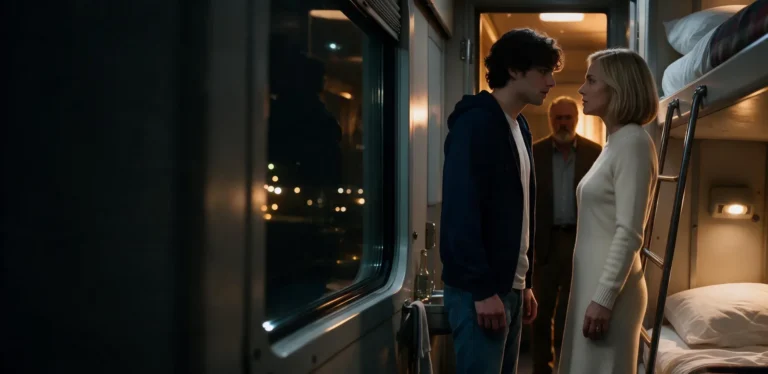 How to watchWhere to watch full episodes?Where complete DreamyShorts episodes play, which ones cost nothing and why copies on other sites disappoint.
 Free episodesIs it free?What DreamyShorts lets you watch without paying, what signing up adds and where the free part ends.
 Premium and coinsHow much does it cost?How Premium and coins work, what the 1, 3 and 12-month plans include and what to check before you pay.
 Safety reviewIs it safe?Who runs DreamyShorts, what its terms and privacy policy say, and how to avoid copycats, fake apps and billing surprises.